Apache reverse proxy to SharePoint 2013
1. Introduction:
In this tutorial, we will setup a reverse proxy Apache in front end connecting to a SharePoint server 2013.
Let's assume we have this environment configuration:
SharePoint server:
- Local IP address: 192.168.137.21
- Server Name: srvsharepoint
- SharePoint site collection: http://srvsharepoint/
Apache server:
- Local IP address: 192.168.137.22
- Public IP address: 52.174.6.110
- Domain name: webadmin.net
- Server name: srvweb
- OS: CentOS 7
In CentOS server, we need to set the server names in hosts

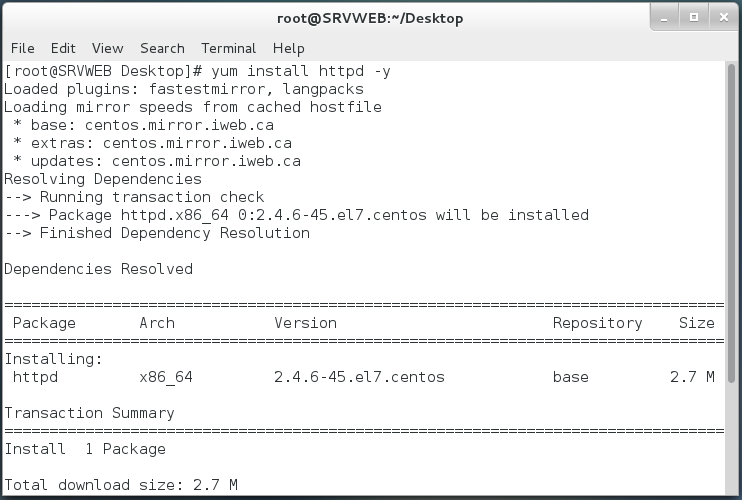
Install Apache server
#yum install httpd -y

#service httpd start
#chkconfig httpd on


Go to the Apache config directory and create proxy.conf
#vi /etc/httpd/conf.d/proxy.conf

<IfModule mod_proxy.c>
ProxyRequests Off
ProxyPreserveHost On
ProxyReceiveBufferSize 4096
<Proxy *>
Order deny,allow
Allow from all
</Proxy>
ProxyPass / http://srvsharepoint/
ProxyPassReverse / http://srvsharepoint/
<Location />
Order allow,deny
Allow from all
</Location>

Save proxy.conf

Restart Apache

Now Apache is configured as a reverse proxy.
3. Configure SharePoint Server:
Log to Central Administration, go to System Settings - Configure alternate access mapping


in URL, host and port, enter the domain name and select zone internet

Save

Open Internet Explorer and type the domain name


